1,00,000+
security researchers
50+
countries reached
4.9/5
product rating
Beyond terminal
Hybrid operator canvas with cinematic UX
Blend command context, mode routing, execution telemetry, and docs guidance in one control surface.
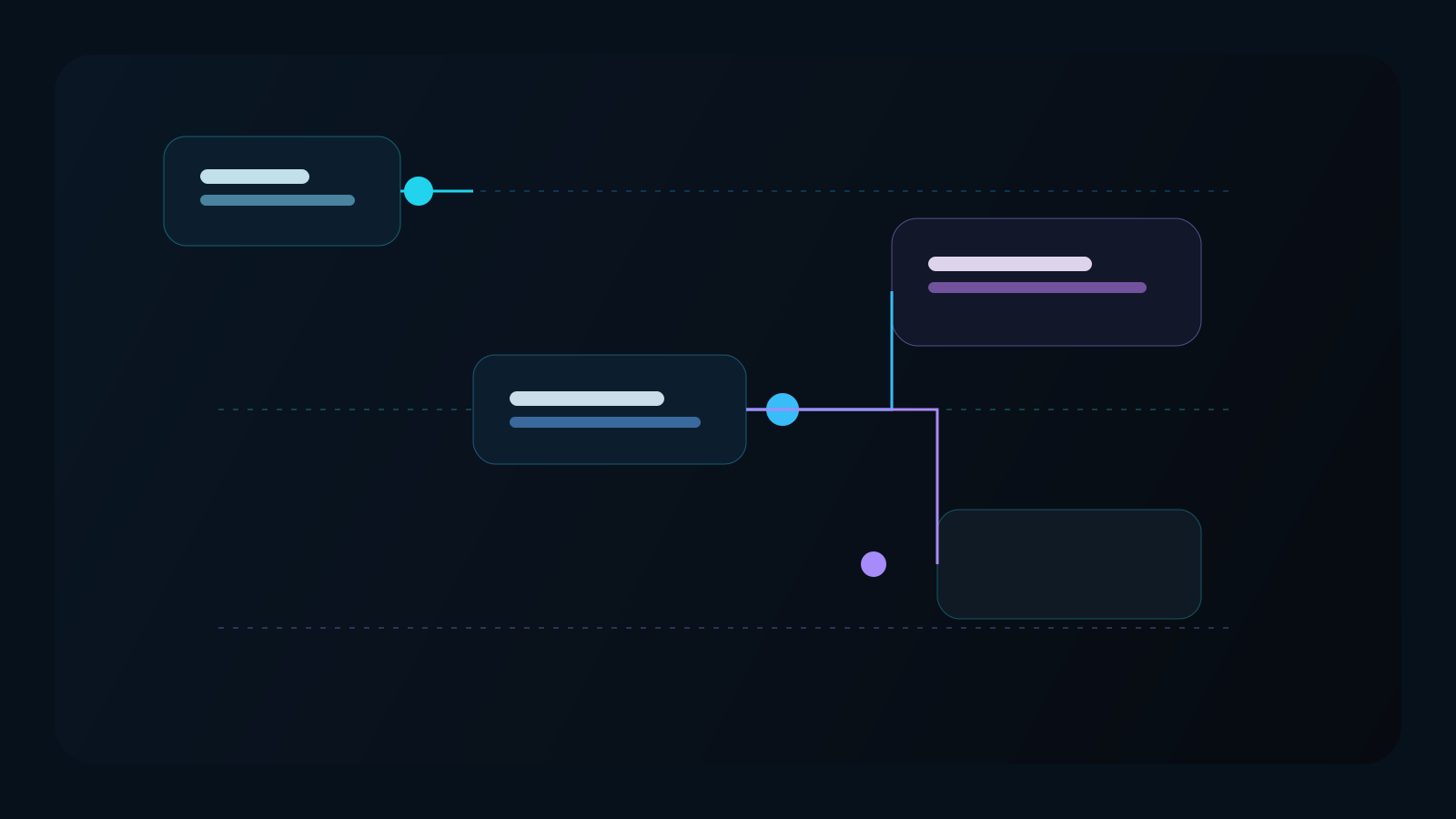
Pipeline orchestration
Map recon -> hunt -> report in one route-aware workflow graph.
Runtime telemetry
Track provider fallback, request budget, and execution confidence in real-time.
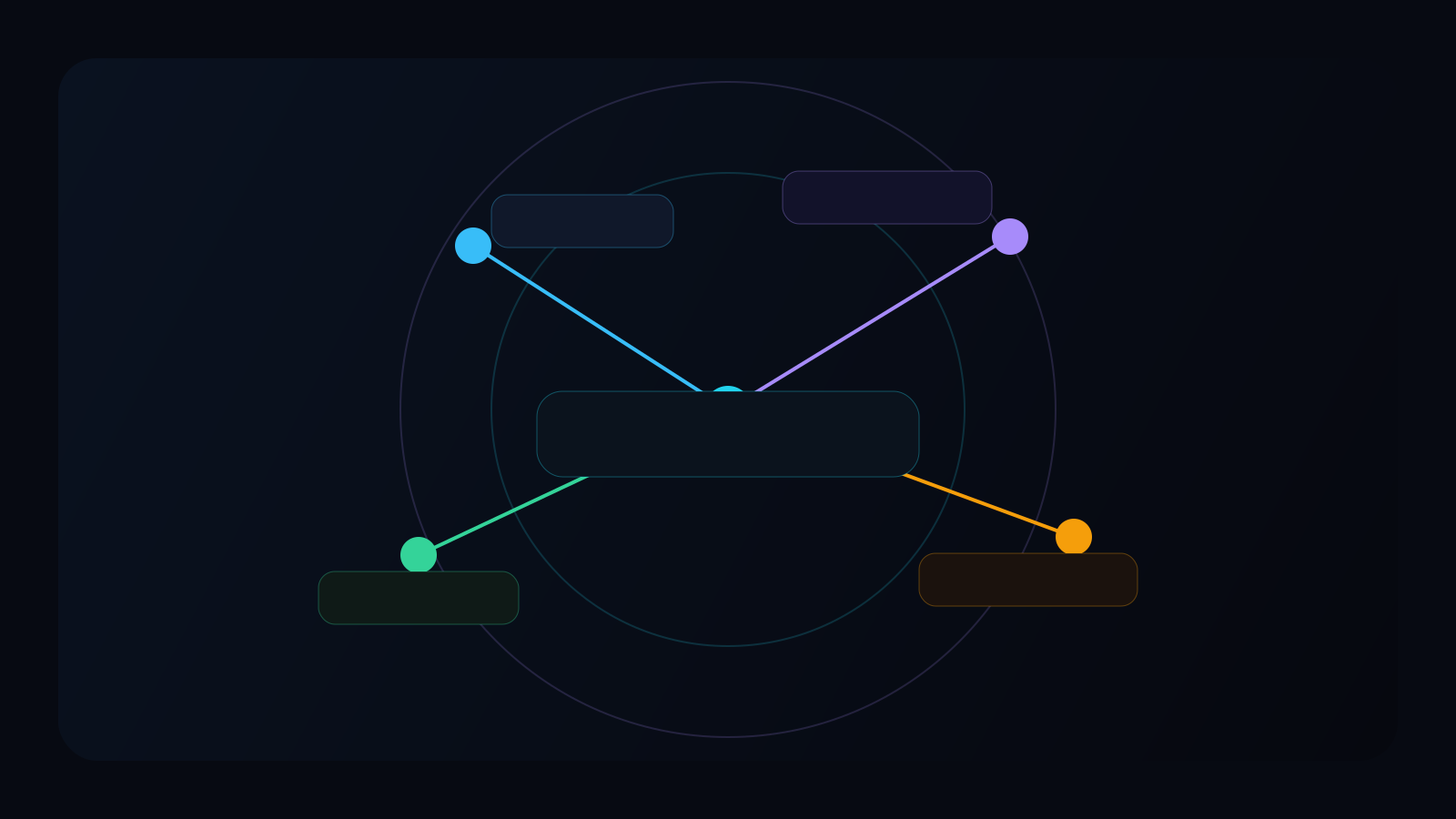
Mode intelligence
Switch between chat, recon, hunt, and Abhimanyu with context carry-over.
Capability stream
Live product pulses
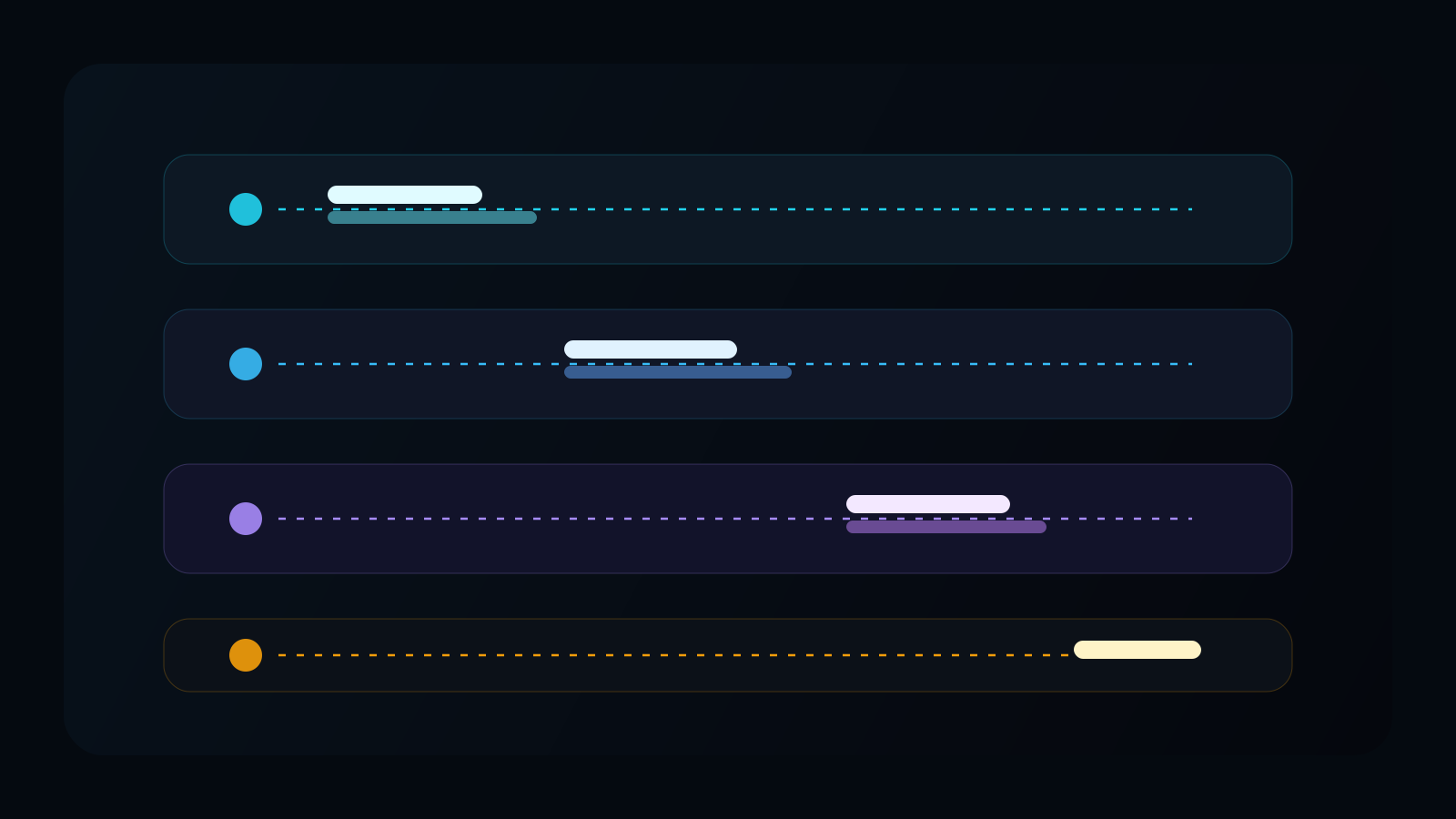
Recon phase
activePassive -> service map -> HTTP
Hunt phase
queuedParams -> payload validation
Report phase
standbyFindings normalization
Interactive AI shell
Prompt-first chat with model routing, local history, and fast command iteration.
20-tool recon chain
Passive intel, host mapping, HTTP fingerprinting, content discovery, and vuln scans.
11-tool hunt engine
Parameter mining, XSS vectors, nuclei coverage, and exploit-surface reduction.
Abhimanyu mode
Linux-first exploit and post-exploitation mode for advanced research environments.
OSINT Deep — 45 tools
9-phase OSINT pipeline: domain, email, username, phone, company. Breach check + social footprint.
Reverse Engineering
30-tool RE pipeline: static, dynamic, decompile, malware analysis. Ghidra + AI explains binaries.
Breach Intelligence
HIBP + BreachDirectory (RapidAPI) + LeakCheck + local SQLite dump indexing. WhatsApp OSINT.
Geolocation — Level 1-5
IP/EXIF/WiFi/Social geolocation. Level 5: SDR cell tower tracking with gr-gsm + srsRAN.
Research engine
New blog surface for operator briefs, release intelligence, and Aegis strategy
The website now has a dedicated research layer: 2026-focused articles on OMEGA planning, Aegis integration, AI hacking reality, API security, and bug bounty workflows written to rank and to convert.
AI Security
AI Autonomous Hacking in 2026: What Is Real, What Is Hype
AI can already compress recon, prioritization, and exploit validation into minutes. It still fails on business logic, trust boundaries, and proof quality unless a human operator stays in the loop.
CyberMind CLI
OMEGA Plan Mode Deep Dive: How CyberMind Should Think Before It Touches a Target
The best OMEGA design is not just faster execution. It is better judgment: gather context, rank paths, choose the right chain, then let Aegis and the rest of the stack hit the highest-value route first.
Tooling
Aegis + CyberMind CLI: Building a More Powerful Open-Source Offensive Security Stack
Aegis is strongest when it is treated as a specialist execution engine. CyberMind should use OMEGA to route only the right branches into Aegis, then turn the output into verified operator artifacts and reports.
Why it matters
Content now supports discovery, trust, and product positioning
3D signal marquee
Command ecosystem highlights
How it works
Three steps from account to shell
01
Sign up free
Create an account and start on the free tier immediately.
02
Get your API key
Copy your live key in dashboard and keep it ready for install.
03
Install and run
Use personalized Linux/Windows/macOS commands and launch straight into CLI.
Clear docs
The docs are organized by action, not route noise.
Start with install and command basics, then move into recon, hunt, privacy, troubleshooting, or release notes as needed.
AI Coding Assistant — Better than Claude Code
CyberMind Neural is a terminal-based AI coding assistant that edits files, runs commands, and understands your entire codebase. Free tier available with your own API keys.
- 11+ AI providers (GPT-5, DeepSeek, Qwen Coder)
- Works on Windows, macOS, Linux
- Free tier with your own API keys
- Built-in Cyber Mode for security research
$ cybermind
⚡ CyberMind Neural v2.5.0
Workspace: ~/my-project
Model: DeepSeek R1 (auto)
🛡 ⟩ refactor auth to use JWT
◆ Neural [deepseek-r1]:
Reading src/auth/handler.go...
✓ Plan ready — 3 files to edit
[A]pply [S]kip [E]dit
Global reach
CyberMind CLI sessions across the world
Researchers and security teams use CyberMind CLI in live workflows across multiple regions for recon, hunt, and AI-assisted triage.
Operator stories
Teams using CyberMind CLI in production
"CyberMind CLI shortened my recon-to-validation loop because install, key management, and shell all feel like one product."
R. Mehta
Independent security researcher
Final CTA
Start your free account
Create an account, copy your live key, and launch CyberMind CLI with a command that already matches your platform and plan.